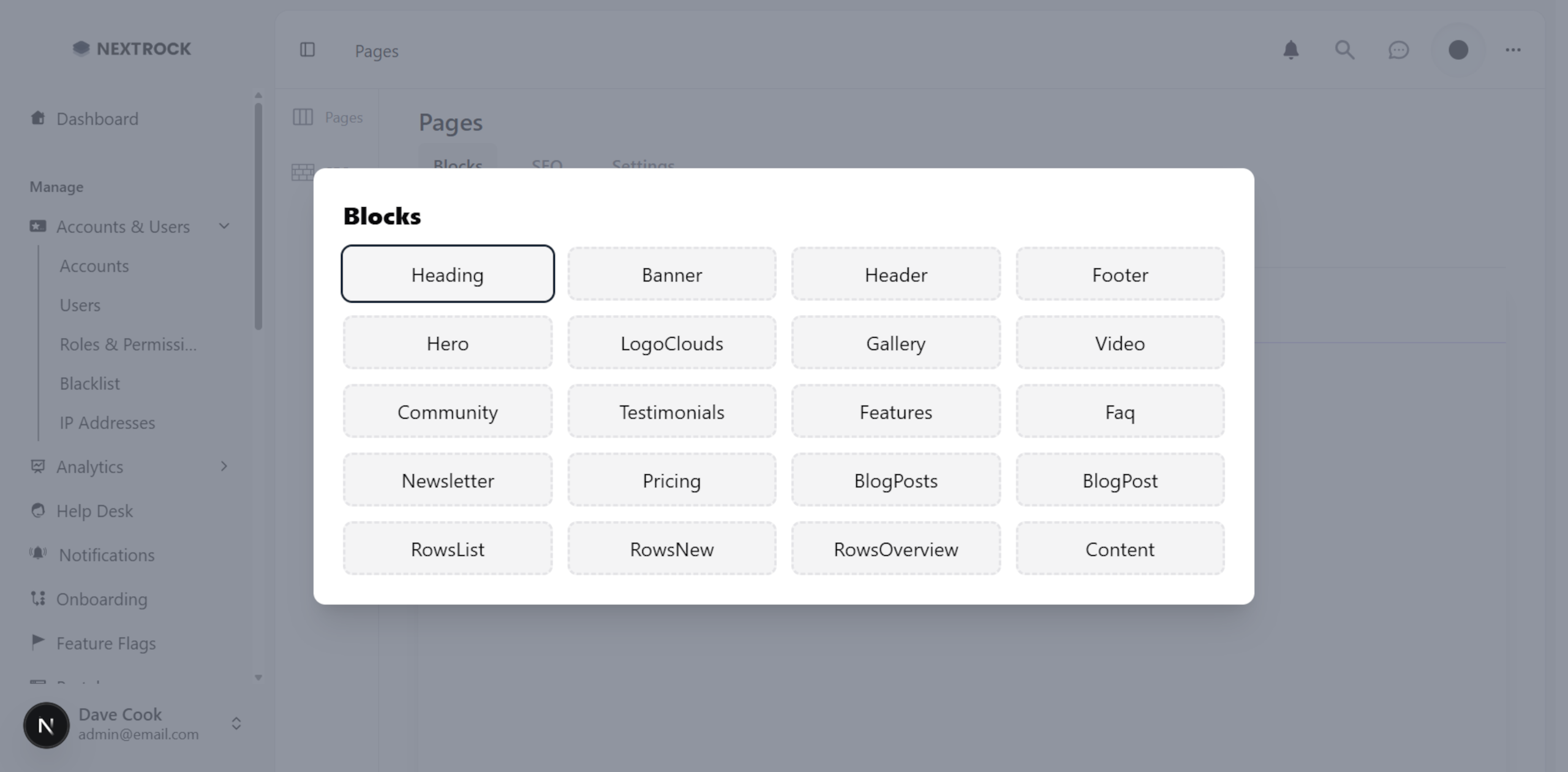
Page Blocks
NextRock has a powerful feature called page blocks. It allows users to easily customize the design and behavior of their landing and front pages.

- Author
- by Admin User
- 5 days ago
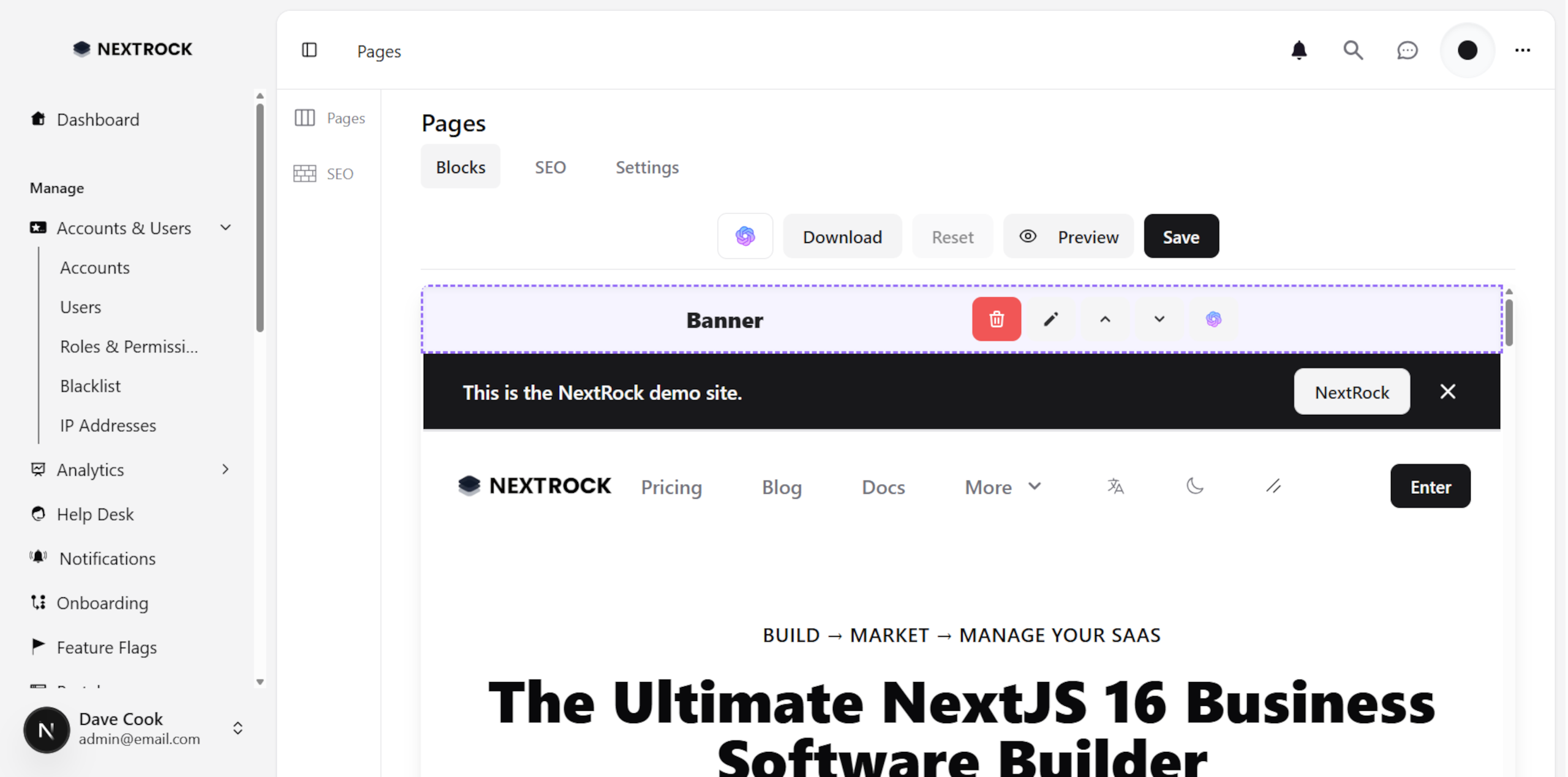
Editing Blocks Content
To edit one, go to the page you want to edit, and set edit mode to true. This will show options for editing each component on the page, such as the Hero component. For example, you can set a new headline, sub-headline, top text, and bottom text.
Overriding Default Pages
By default, it does not override the default default pages. However, you can easily override these pages from the dashboard or admin panel. Go to the blocks section for the page you want to customize. Here, you can edit the blocks for that page and save your changes. When you refresh the page, it will load the updated blocks from the database.
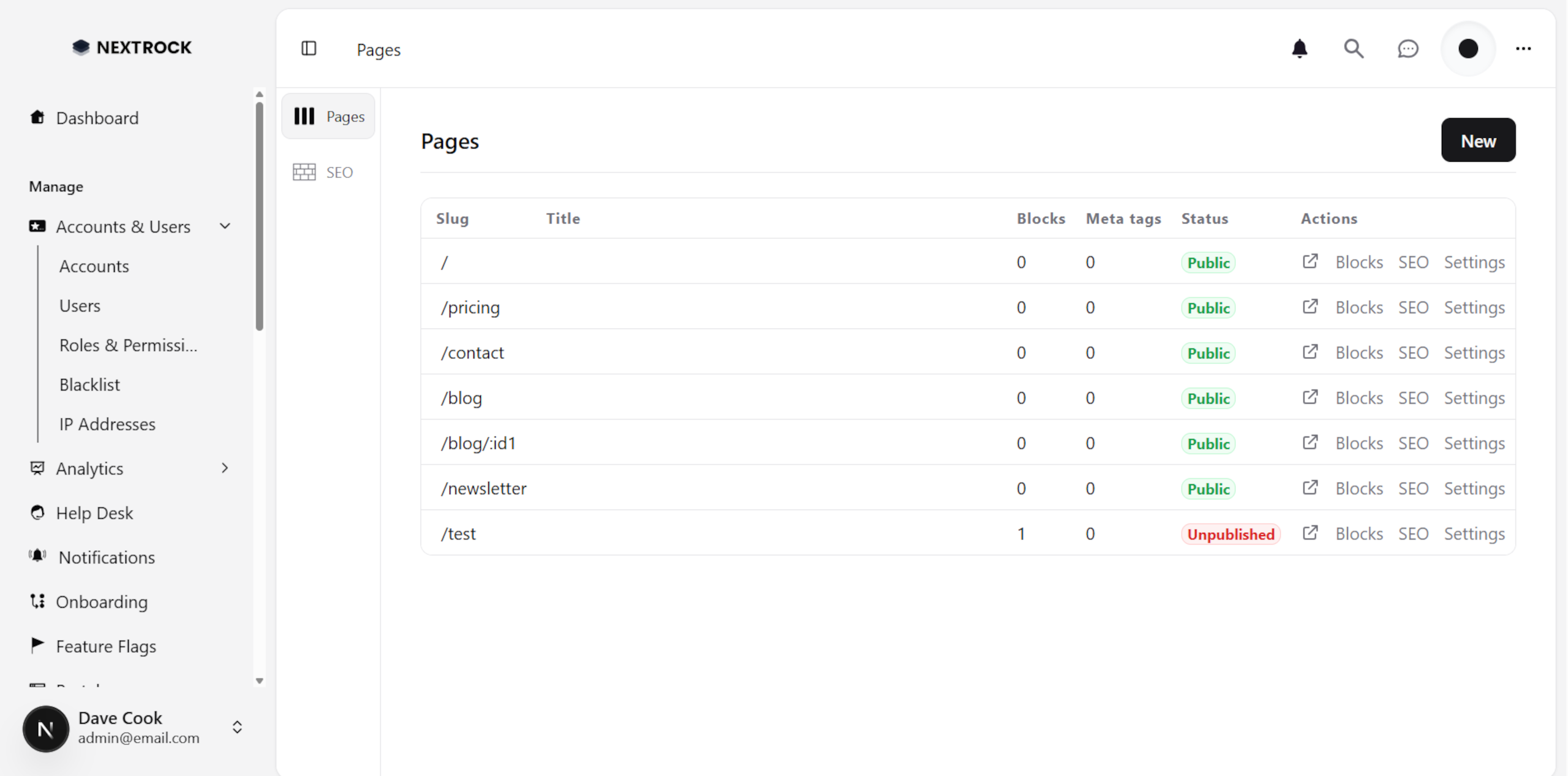
Alternatively, you can download the current configuration of blocks for a page, which will return an array containing all the blocks for that page. You can then replace the default blocks with that array.
Page Settings
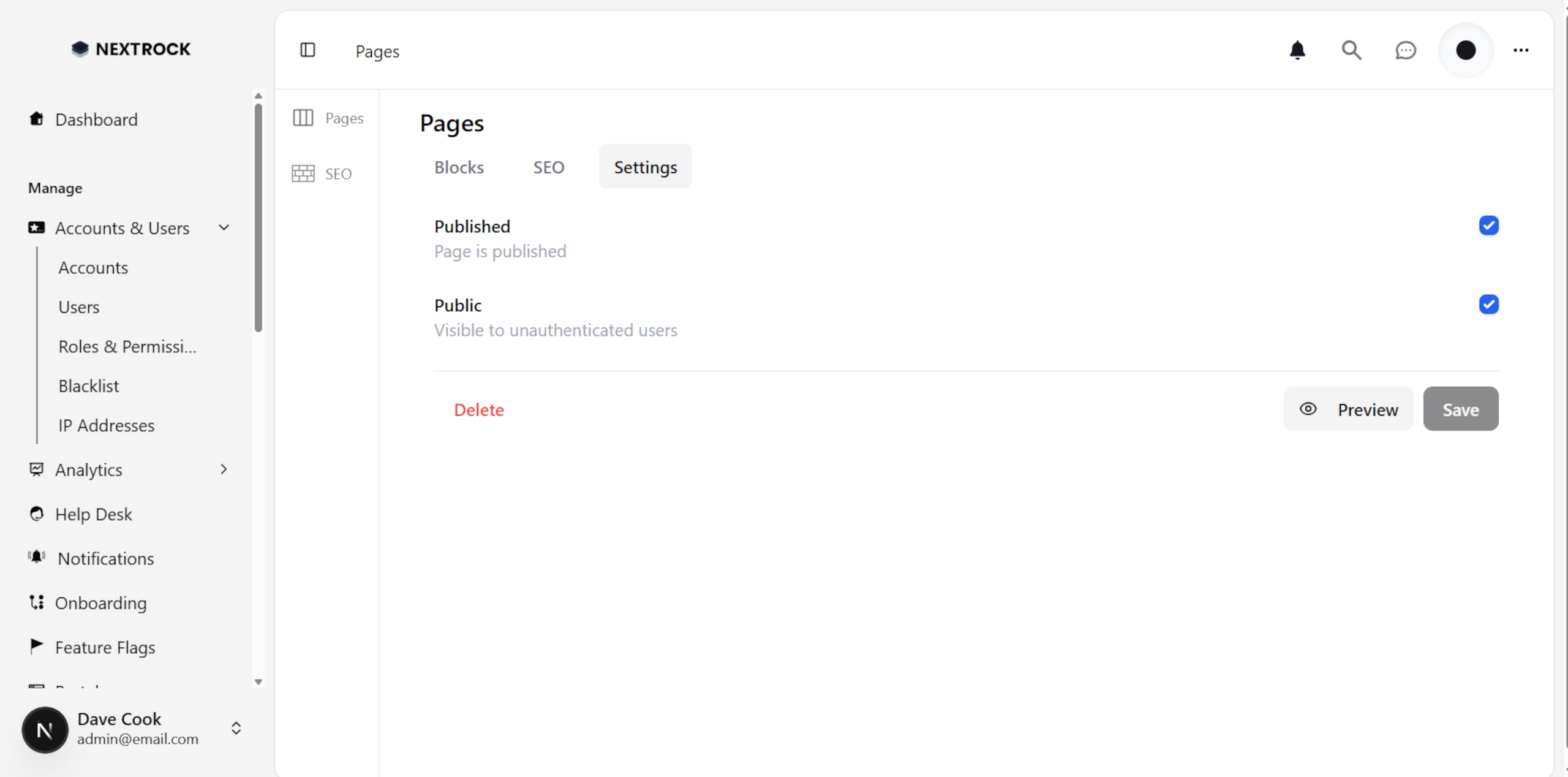
By default, the default pages are published and public. This means that they will be visible to all users. However, you can change this in the settings for each page. For example, you can make a page only visible to authenticated users.
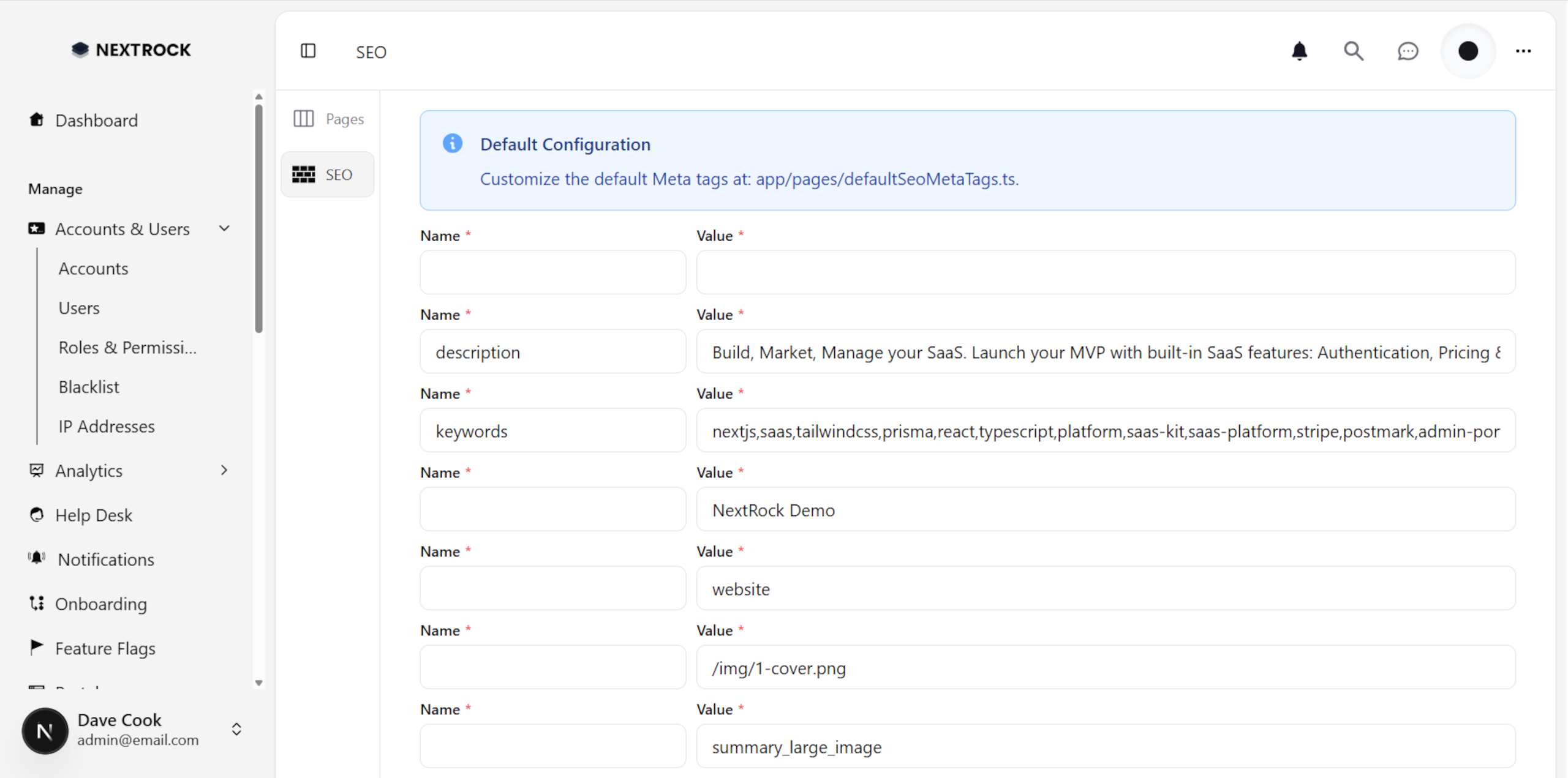
SEO
Set up your custom meta tags for your page:
Creating New Pages
In addition to customizing the default pages, you can also create new pages using page blocks. To do this, simply create a new page in the dashboard or admin panel, and add the blocks you want to include on that page. You can then preview the page, and publish it when you are satisfied with the design.
Block Types
As of December 2025, there are 20 supported types:
Heading: Simple title
Banner: Top or bottom floating banner
Header: Navigation bar
Footer: links in sections
Hero: Headline, description, and CTAs
Logo Clouds: a collection of images
Gallery: a collection of videos or images
Video: Embedded videos
Community: list of members in your community, or links to it
Testimonials: quotes of happy customers
Features: cards or list view
FAQ: Frequently asked questions section
Newsletter: collect email addresses
Pricing: list of your plans
Blog Posts: list of admin-created blog posts
Blog Post: post content
Content: HTML or Markdown content